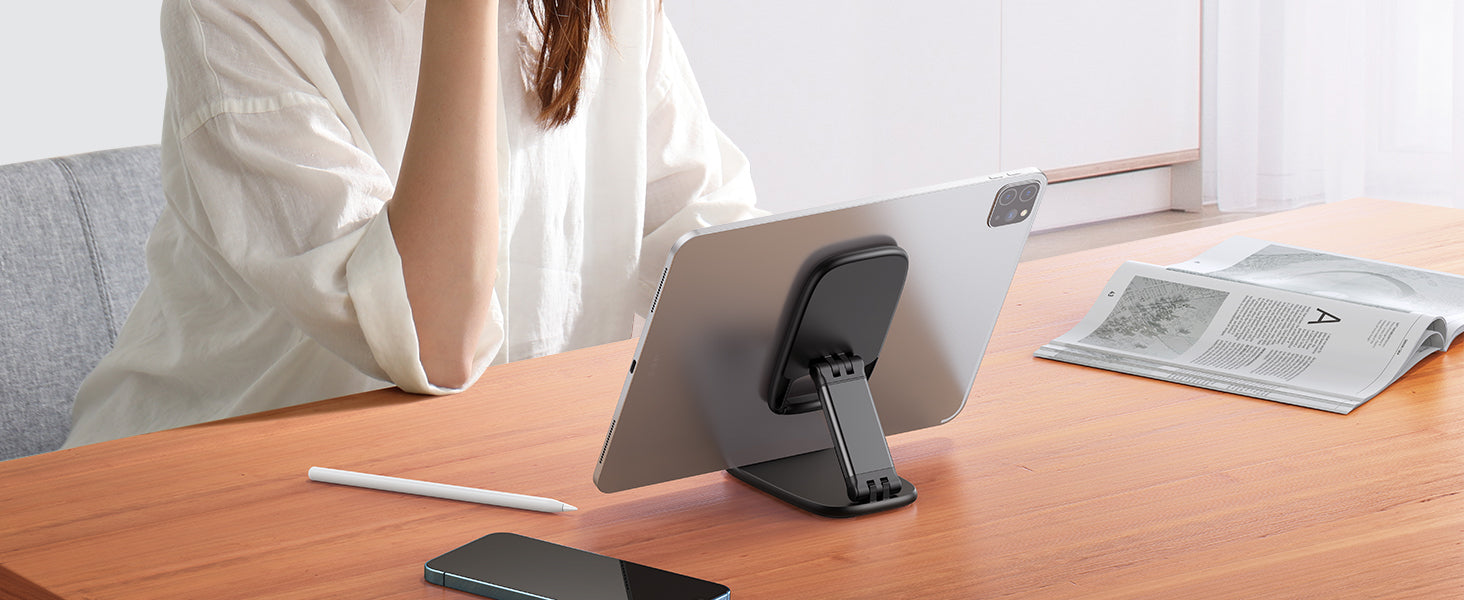
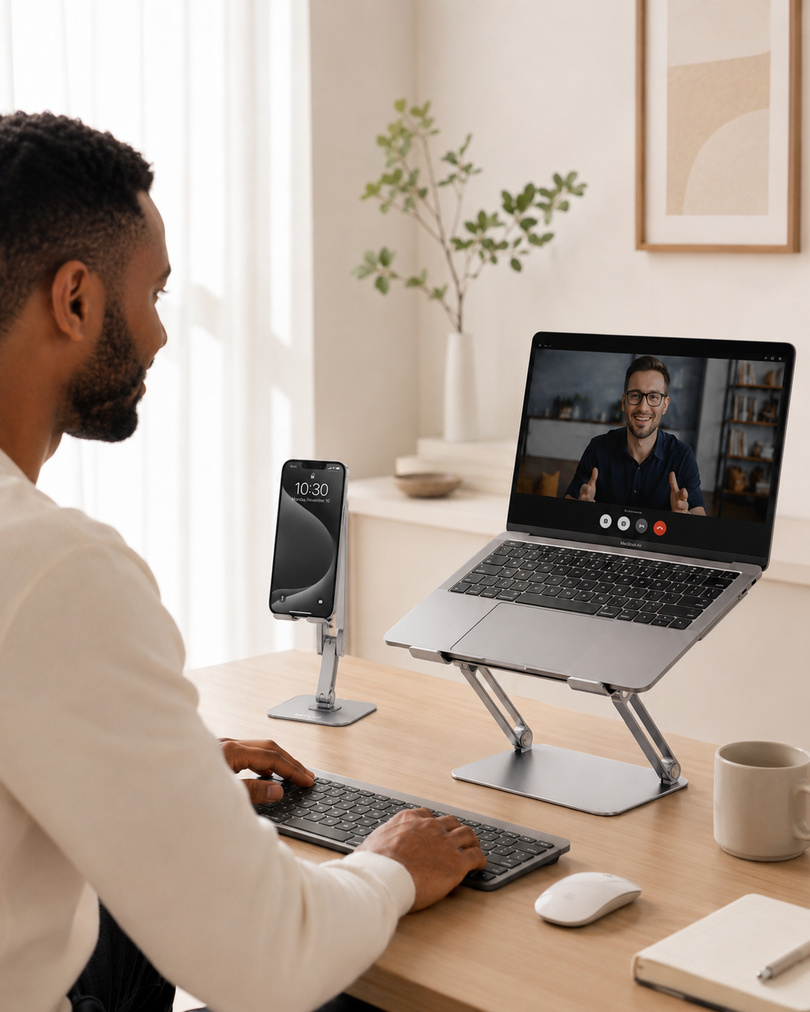






A tablet is easy to carry, but not always easy to use hands-free.
Whether you use an iPad for work, a Kindle for reading, a tablet for recipes, or a Switch for gaming, holding the device for a long time can quickly become uncomfortable. Laying it flat on a desk is not much better, because it forces you to keep looking down and makes the screen harder to view.
That is where a good adjustable tablet stand becomes useful. It gives your device a stable place, raises the screen into a better viewing position, and makes everyday tasks feel easier without adding complexity to your desk setup.
This guide explains what to look for in a tablet stand for desk use, how to choose one based on your device, and why small details like angle adjustment, rubber pads, and case compatibility matter.
Quick Answer: What Makes a Good Adjustable Tablet Stand?
A good adjustable tablet stand should hold your tablet securely, support multiple viewing angles, work in both portrait and landscape mode, protect your device from scratches, and stay stable during daily use. It should also fit your device with its case on, especially if you use a thicker protective case.
For most people, the best tablet stand is not the most complicated one. It is the one that feels stable, looks clean on the desk, and works naturally for watching, reading, typing, video calls, gaming, and casual browsing.
Why a Tablet Stand Is Better Than Holding Your Device
Most people buy a tablet because it is portable and easy to use. But once you start using it for longer sessions, holding it by hand can become tiring.
A tablet stand for desk use helps solve several common problems:
-
Your hands get tired while watching videos or reading.
-
Your neck bends down when the tablet lies flat.
-
The tablet slides around on smooth desks.
-
Video call angles look awkward.
-
Typing or following recipes becomes inconvenient.
-
Larger tablets feel heavy after a few minutes.
A desk tablet holder gives your device a fixed place and keeps the screen easier to see. It is especially useful if your tablet has become part of your daily routine for work, study, entertainment, or home organization.
1. Choose a Stand with Multi-Angle Adjustment
Angle adjustment is one of the most important features in a tablet stand.
A fixed-angle stand may work for one activity, but tablets are used in many different ways. The angle that feels right for watching a movie may not be ideal for reading, typing, drawing, video calls, or following a recipe in the kitchen.
A multi-angle tablet stand allows you to tilt the device toward you, reduce glare, and find a more comfortable screen position. This is useful for:
-
Watching videos
-
Reading ebooks
-
Playing games
-
Following cooking tutorials
-
Joining video calls
-
Viewing photos
-
Typing with an external keyboard
-
Recording videos or livestreams
If you want one stand that can handle different daily situations, an adjustable tablet stand is more practical than a basic fixed dock.
2. Make Sure It Supports Both Portrait and Landscape Mode
A good tablet stand should not limit how you use your device.
Portrait mode is useful for reading, scrolling, video calls, note-taking, and messaging. Landscape mode is better for watching videos, gaming, typing, presentations, and using a tablet like a small second screen.
This is especially important for iPad users, Kindle users, and people who switch between work and entertainment throughout the day.
For larger tablets, landscape mode can also help improve stability because the device’s weight is spread more evenly across the stand. If your tablet is larger than 12 inches, placing it horizontally is often a better choice for a steadier desktop setup.
3. Stability Matters More Than You Think
A tablet is heavier than a phone, so the stand needs to feel solid.
A lightweight or poorly balanced stand may tip backward, wobble when you tap the screen, or slide across the desk. This can be frustrating when you are typing, gaming, watching a video, or using your tablet for work.
When choosing a tablet holder for desk use, pay attention to the base, hinge strength, and overall construction. A stable stand should hold the device securely without making you constantly readjust it.
Stability is especially important if you use:
-
A large iPad
-
A tablet with a thick case
-
A Kindle or e-reader for long reading sessions
-
A Switch or handheld gaming device
-
A tablet for video calls
-
A tablet as a second screen beside your laptop
A stand should make your setup easier, not create another thing you have to keep fixing.
4. Look for Anti-Slip and Anti-Scratch Protection
Small details make a big difference in daily use.
Rubber pads and anti-slip feet help protect your tablet from scratches and reduce sliding on smooth surfaces. This matters because tablets are often placed on and removed from the stand many times a day.
A good tablet stand should have soft contact points where the device touches the stand. These pads help prevent metal or hard plastic from rubbing directly against your tablet or case.
This is especially useful if you care about keeping your iPad, Kindle, Galaxy Tab, Surface, or Switch in good condition.
5. Check Case Compatibility Before Buying
Many people forget to check thickness.
A tablet stand may say it fits your device, but that does not always mean it fits your device with a case on. If you use a protective case, keyboard case, silicone cover, or rugged case, the support hook must be wide enough to hold the device securely.
Before buying, check the stand’s maximum supported thickness. For example, a hook width around 18mm, or 0.71 inches, can work for many tablets and phones with everyday cases.
This matters because a practical stand should fit into your real routine. You should not need to remove your case every time you want to watch a video, join a call, read a book, or type at your desk.
6. Match the Stand to Your Main Use Case
The best tablet stand depends on how you use your device most often.
For Work and Study
A tablet stand helps keep your screen visible beside your laptop or notebook. It is useful for checking documents, attending online classes, reading PDFs, reviewing notes, or using the tablet as a small second screen.
For this setup, choose a stand that feels stable and allows a comfortable viewing angle.
For Video Calls
A tablet lying flat on a desk creates an unflattering and uncomfortable camera angle. A stand helps position the screen more naturally, making video calls feel more professional and easier to follow.
An iPad stand for desk can be especially useful for remote meetings, online classes, FaceTime calls, interviews, and livestreaming.
For Reading
If you read ebooks, articles, comics, or study materials on a tablet or Kindle, a stand helps reduce hand fatigue. You can place the device at a comfortable angle and read hands-free at your desk, bedside table, or coffee table.
A stable Kindle stand is also useful for longer reading sessions because you do not need to hold the device the entire time.
For Watching Videos
Watching videos is one of the simplest and most common reasons to use a tablet stand. Instead of leaning your tablet against a cup, book, keyboard, or wall, you can place it securely at the right angle.
This makes it easier to watch YouTube, Netflix, TikTok, tutorials, workout videos, and online lessons.
For Cooking
A tablet stand is helpful in the kitchen because it keeps recipes and cooking videos visible while your hands are busy.
For kitchen use, stability and anti-slip protection matter more than a fancy design. The tablet should stay upright and easy to read while you follow each step.
For Gaming
If you play games on a tablet or Switch, a stand can make the screen easier to view while using a controller. Landscape support and stable construction are especially important here.
What Devices Can a Universal Tablet Stand Support?
A universal desk tablet holder should support a wide range of devices, but you still need to check size and thickness.
Common compatible devices may include:
-
iPad Pro
-
iPad Air
-
iPad mini
-
Standard iPad models
-
Kindle and other e-readers
-
Galaxy Tab
-
Surface Pro
-
Switch
-
Large smartphones
For many users, a 4–13 inch compatibility range is practical because it covers both phones and tablets. However, if you are using a larger tablet, a heavier case, or a device over 12 inches, landscape mode is usually the more stable choice.
Where Lamicall Fits Into This Type of Setup
Lamicall’s multi-angle desktop tablet stand is designed for people who want a simple, stable, and practical stand for everyday use.
It supports 4–13 inch tablets and phones, works in both vertical and horizontal viewing positions, and uses rubber pads and feet to help protect devices from scratches and sliding. Its construction uses Al-Ti alloy and strengthened alloy steel materials, giving it a balance of strength and lightweight design.
Instead of feeling like a complicated gadget, it works more like a clean desk upgrade: a stable place for your tablet, a better viewing angle, and a more comfortable hands-free setup.
For anyone who uses an iPad, Kindle, Switch, or tablet every day, a tablet stand for desk is one of the easiest accessories to add to a workspace, bedside table, kitchen counter, or entertainment setup.
Buying Checklist: What to Look for in a Tablet Stand
Before choosing a tablet stand, ask these questions:
-
Does it support your device size?
-
Does it work with your tablet case?
-
Can the angle be adjusted?
-
Does it support both portrait and landscape mode?
-
Is the base stable enough for a heavier tablet?
-
Are there rubber pads to prevent scratches?
-
Does it help reduce sliding on smooth desks?
-
Can you charge your device while it is on the stand?
-
Is it suitable for your main use: work, reading, video calls, gaming, or watching videos?
-
Will it look clean and natural on your desk?
If a stand checks most of these boxes, it is more likely to be useful in real daily life.
Is an Adjustable Tablet Stand Worth It?
Yes, if you use your tablet often.
An adjustable tablet stand is a small accessory, but it can make a big difference in comfort and convenience. It keeps your device stable, improves viewing angles, frees your hands, and makes your desk look more organized.
It is especially worth it if you use your tablet for video calls, reading, watching videos, cooking, studying, gaming, or working from home.
The best tablet stand is not just about holding the device. It is about making your tablet easier to use in the moments when you already rely on it every day.
FAQ
What is the best tablet stand for desk use?
The best tablet stand for desk use should be stable, adjustable, case-friendly, and compatible with your device size. It should support both portrait and landscape viewing and include anti-slip or rubber pads to protect your tablet from scratches and sliding.
Can I use a tablet stand with an iPad case?
Yes, but you need to check the stand’s hook width or maximum supported thickness. If you use a thick protective case, make sure the stand can hold the tablet securely without forcing you to remove the case.
Is portrait or landscape mode better for a tablet stand?
It depends on what you are doing. Portrait mode is better for reading, scrolling, and video calls. Landscape mode is better for watching videos, typing, gaming, and using larger tablets more steadily.
Can a tablet stand hold a phone too?
Many universal tablet stands can also hold phones, especially if they support devices starting around 4 inches. This makes them useful for people who want one stand for both phone and tablet use.
Is a tablet stand useful for video calls?
Yes. A tablet stand can help improve the viewing and camera angle during video calls, online classes, remote meetings, and livestreams. It also keeps your hands free during longer calls.
What size tablet stand should I buy?
Choose a stand that matches your device size and weight. A 4–13 inch compatibility range works for many phones, tablets, Kindles, iPads, and small gaming devices. For larger tablets over 12 inches, landscape placement is usually more stable.
Why does a tablet stand need rubber pads?
Rubber pads help reduce sliding and protect your tablet from daily scratches. They also make the stand feel more secure when placing or removing the device.